CiCi Cam · Windows / macOS
AI virtual camerafor calls and streams
Enhance your webcam with AI beauty filters, lighting, and backgrounds. Use CiCi Cam as a virtual camera in compatible apps such as OBS, Zoom, Teams, and Google Meet.
CiCi Cam runs on Windows and macOS. Copy this page link to continue on your computer.
Adjust smoothing and facial details to suit your look.
How the CiCi Cam virtual camera works
CiCi Cam is virtual webcam software that processes your camera image locally. Prepare your look once, then select the CiCi Cam feed in each compatible video app.
Choose your webcam
Open CiCi Cam and select your built-in or USB webcam.
Adjust your look in CiCi Cam
Set beauty filters, lighting, and backgrounds, then keep CiCi Cam running.
Select CiCi Cam in your video app
Choose CiCi Cam in the camera settings of OBS, Zoom, Teams, or Google Meet. Allow camera access and restart the app if needed.
Use cases
Use CiCi Cam with OBS, Zoom and video meetings
Pick your scenario and follow the setup guide for the app you already use.
Streams on OBS, TikTok LIVE, and more
Select CiCi Cam as a video source to add beauty, lighting, and background effects to your stream.
Zoom, Teams, and Google Meet
Fix dim lighting and blur a messy room before you join the call, with no meeting plugins required.
Online classes and tutoring
Stay clear and well lit through long lessons, with a look you set once and reuse every class.
Job interviews and presentations
Look natural and well lit on camera with subtle touch-ups instead of heavy filters.
Compare alternatives
Webcam effects you can adjust
Adjust beauty, facial details, makeup and backgrounds, then use your camera feed in compatible apps.
Skin & lighting toolkit
- Gentle smoothing & whitening
- Smart foundation & concealer
- Adaptive soft lighting & filters
- Teeth whitening
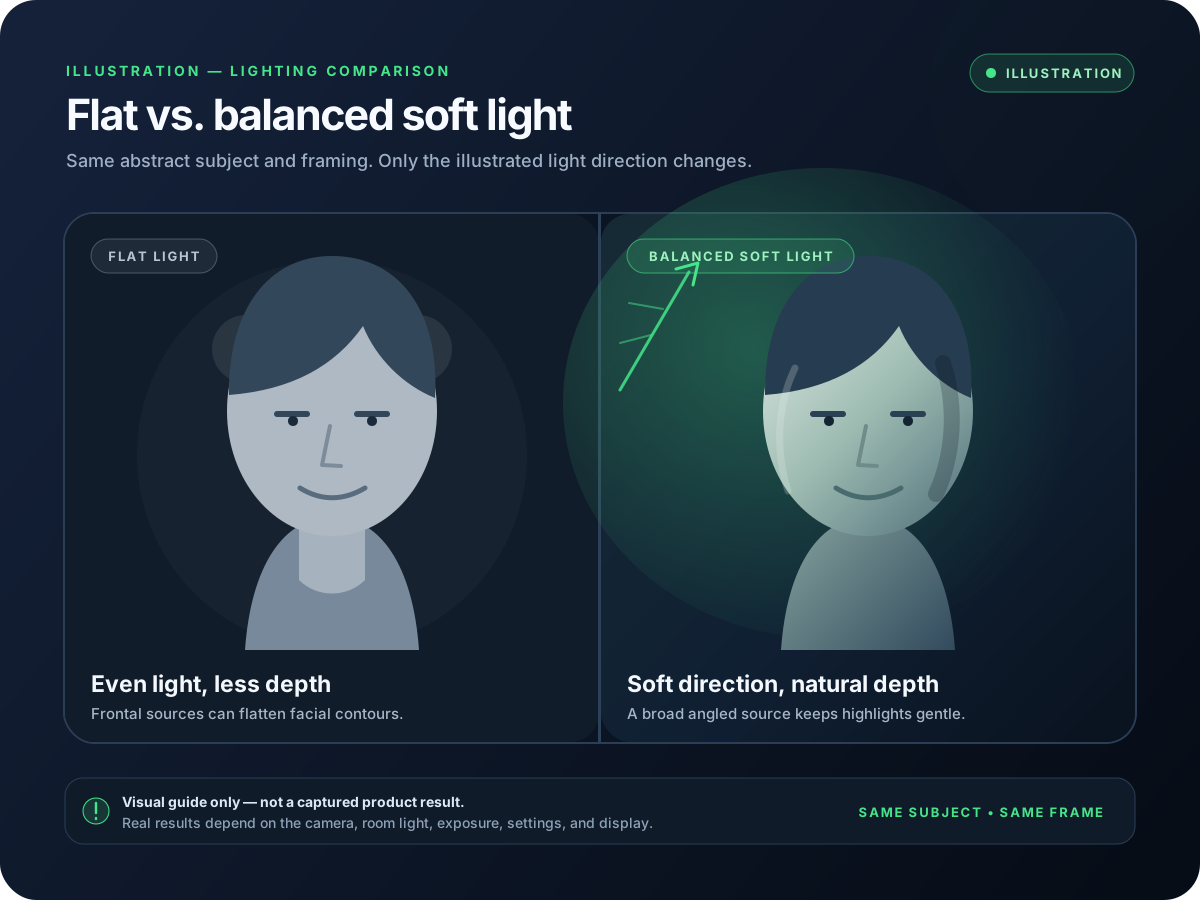
Control illustrations. The comparison at the top of this page uses real CiCi Cam captures.
Precision facial sculpting
- Face sculpting & V-shape refinement
- Nose contour + highlights
- Eye enlargement & sparkle
- Lip refinement
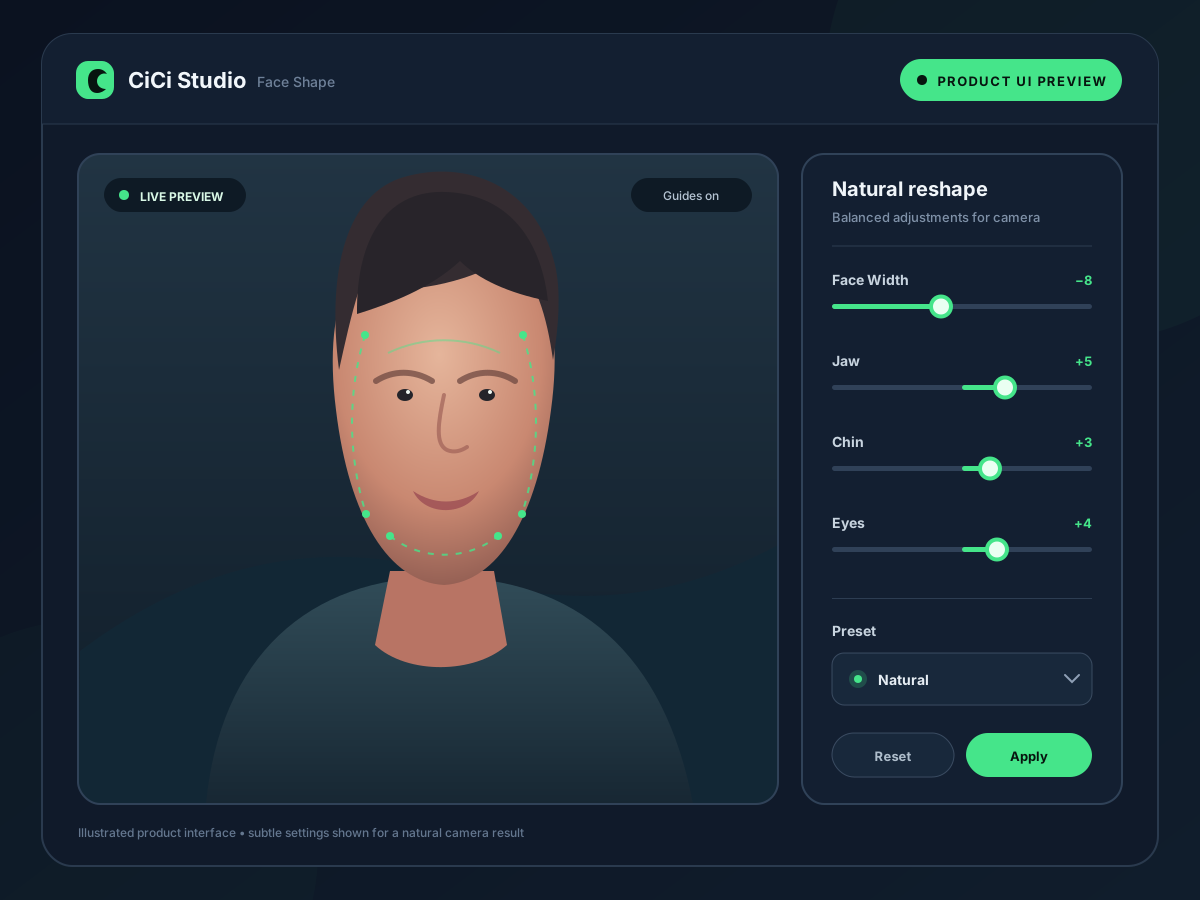
Control illustrations. The comparison at the top of this page uses real CiCi Cam captures.
One-tap makeup studio
- Complete themed makeup sets
- Trend lip colors & blush
- Detailed eyeshadow & lashes
- Remove, blur, or replace your background
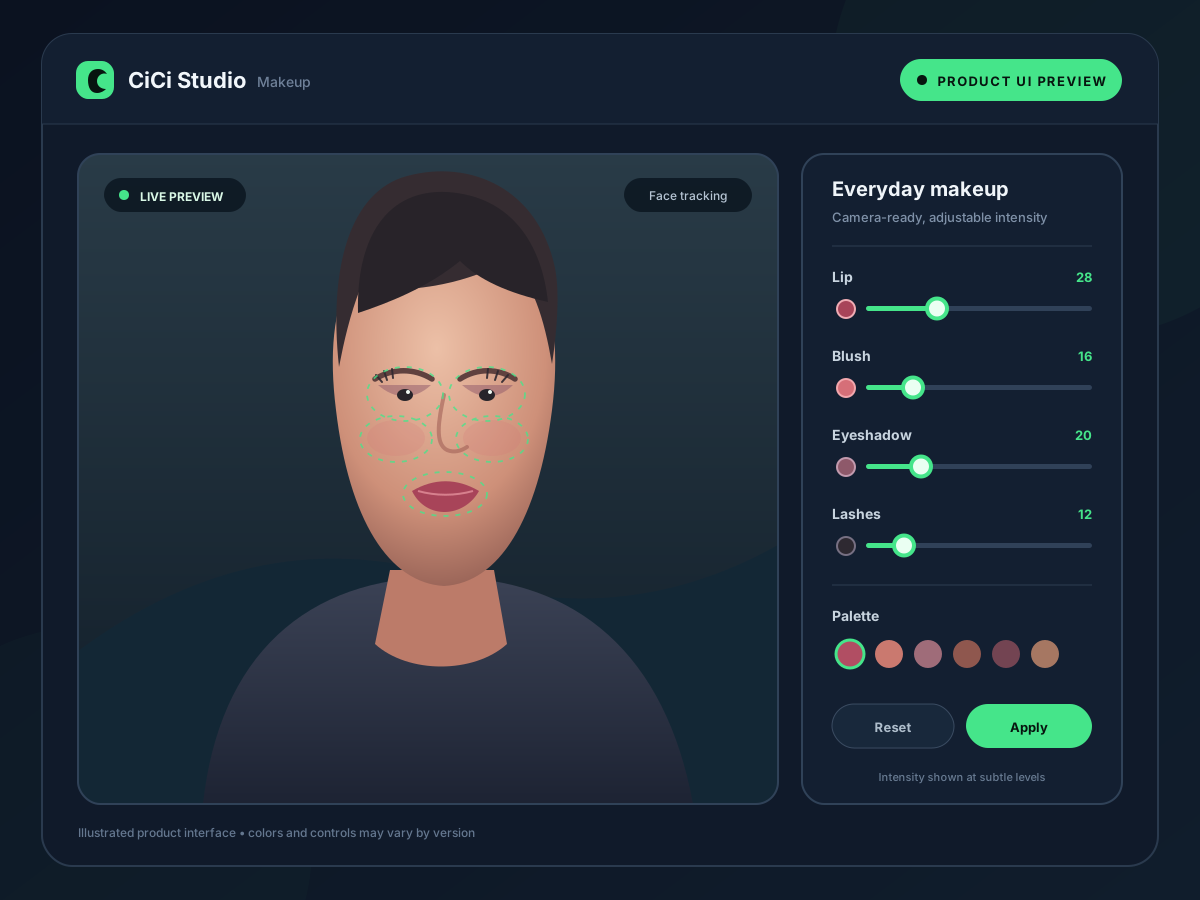
Control illustrations. The comparison at the top of this page uses real CiCi Cam captures.
Start free. Upgrade when you need more.
Starter Plan (Free)
Every feature included, with a daily usage time limit and a watermark.
Free forever. No card required.
- All beauty, lighting, background, and filter features
- Unlimited daily usage time
- Watermark-free output
CiCi Cam Pro Annual
Every feature with no daily time limit and no watermark.
Approx. $8.17/monthBilled $98 per year. Renews automatically.
- Includes all Starter Plan features
- Unlimited daily usage time
- Watermark-free output
- Priority access to new features and filters
Cancel anytime
CiCi Cam Pro Monthly
Every feature with no daily time limit and no watermark.
Billed $12 per month. Renews automatically.
- Includes all Starter Plan features
- Unlimited daily usage time
- Watermark-free output
- Priority access to new features and filters
Cancel anytime
Need a quick answer?
Questions creators ask most
Everything about compatibility, upgrades, and billing - no support ticket needed.
CiCi Cam runs on Windows 10/11 (Intel or AMD) and macOS 14+ on Apple Silicon only. It appears as a virtual camera so you can plug it into OBS, Zoom, Teams, Google Meet, Discord, and essentially any app that accepts webcam sources.
CiCi Cam runs on 64-bit Windows 10/11 and on macOS 14 or later with Apple Silicon. Effects are processed on your own computer, so smoothness depends on your CPU, GPU, and the other apps running at the same time. If the preview stutters, lower the camera resolution or frame rate and close heavy apps.
Fix a laggy beauty filter →Start CiCi Cam first, then fully quit and reopen your video app so it rescans the camera list. On macOS, also allow camera access for both apps and approve the CiCi Cam camera extension. If it still doesn't appear, restart your computer.
Virtual camera not showing up? Full fix guide →No. CiCi Cam processes your camera image locally on your computer and passes the result to your video app as a virtual camera. Your camera frames are not sent to the cloud.
The free Starter plan includes every feature, with a daily usage time limit and a watermark on the output - no card required. Pro removes the daily time limit and the watermark, and gives you priority access to new features and filters.
Yes. Open Profile -> Membership to upgrade or downgrade anytime. Stripe prorates the remaining balance automatically so you only pay the difference when moving plans.
Go to Profile -> Manage billing to turn off auto-renew. Your Pro benefits stay active until the current cycle ends, and you can restart with one click - no penalties or hidden fees.
Available now
Download CiCi Cam
Choose the installer that matches your system. We highlight the best option automatically.
Windows
Download for Windows
Windows 10/11 · 64-bit
macOS
Download for macOS
macOS 14+ · Apple Silicon only